Setup guide
Set up Theia
Watch the playlist you already have on your PC and your TV. It takes about two minutes.
Step 1: Get Theia
Free on Windows and TV, with no ads.
Windows
Windows 10 and 11
- Microsoft Store: installs without warnings and updates itself.
- Direct download: the installer or a portable zip. If Windows warns you the first time, choose More info, then Run anyway.
TV Beta
Google TV, Android TV and Fire TV
- Install the free Downloader app from your TV’s app store.
- Let Downloader install apps. The TV page shows where that setting lives on yours.
- Open Downloader and type this code or the link, then choose Go and Install.
4457932theiaplayer.com/tv.apk On a Mac? Download Theia for Mac, then carry on from step 2.
Step 2: Add your source
Theia opens setup the first time it runs. Choose what your service sent you.
An M3U playlist link
- Copy the playlist link your service sent you.
- Paste it into the box that says Paste your playlist link or server address. Theia tells you what it found before loading a thing.
- Click Check link, then Add source. Start watching appears as soon as the channels are in.
TV guideA playlist that names its guide brings it along. If your service gave you a separate guide (EPG) link, choose Use a guide link in the Guide step, paste it and click Load guide.
Have a playlist file on your PC instead? Click Browse next to the box.
An Xtream Codes login
- Click Enter server, user and password by hand.
- Fill in Server, Username and Password exactly as your service sent them.
- Click Check account, then Add source.
Got a link with get.php in it? Paste the whole link into the box instead. Theia reads the server, username and password from it, so there’s nothing to type.
TV guideAn Xtream login brings its own guide, plus the movies and series on your plan. Nothing else to add.
An HDHomeRun antenna tuner
- Click Add an antenna tuner. Theia looks for tuners on your home network.
- Click Add next to yours. Not listed? Check it’s on and on the same network, or type its address, such as 192.168.1.50.
- Click Add source, and your local channels sit right next to everything else.
TV guideHDHomeRun has a free three-day guide for its tuners. Choose Use the HDHomeRun guide in the Guide step to turn it on.
Already set up? Click Find tuners in Settings > Sources. Antenna tuners guide
Paste it the way it came
Copied the link from a text or an email with words around it, such as “M3U:” in front? Paste it anyway. Theia picks out the link and leaves the rest.
- On a TV, press OK on the box to type with the remote, or type with the Google TV or Fire TV app on your phone.
- No playlist yet? Choose Try the demo for free sample channels with a guide.
Step 3: Try these first
Give these five minutes. They’re what Theia does best.
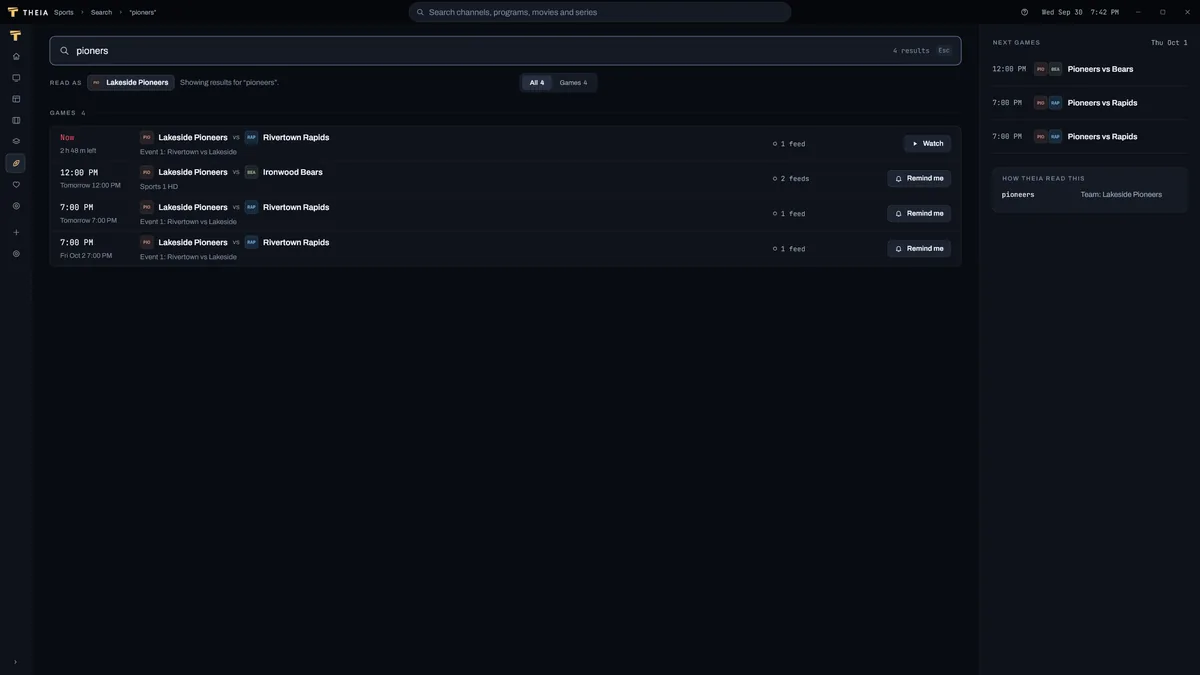
Search with a typo
Type a team or a show the way you’d say it, spelling slips and all. “pioners” still finds every Pioneers game and the channels carrying it.
Search guide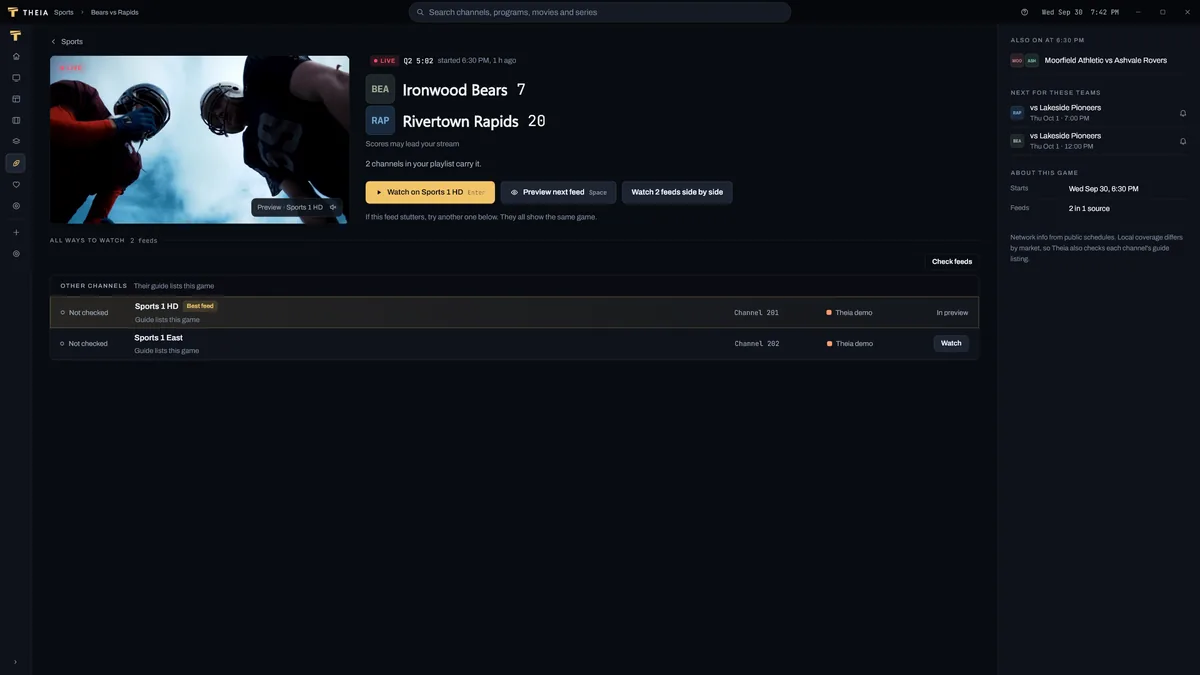
The Sports page
Today’s games in one place, each with every channel in your playlist that carries it. Pick one and the best feed plays.
Sports guide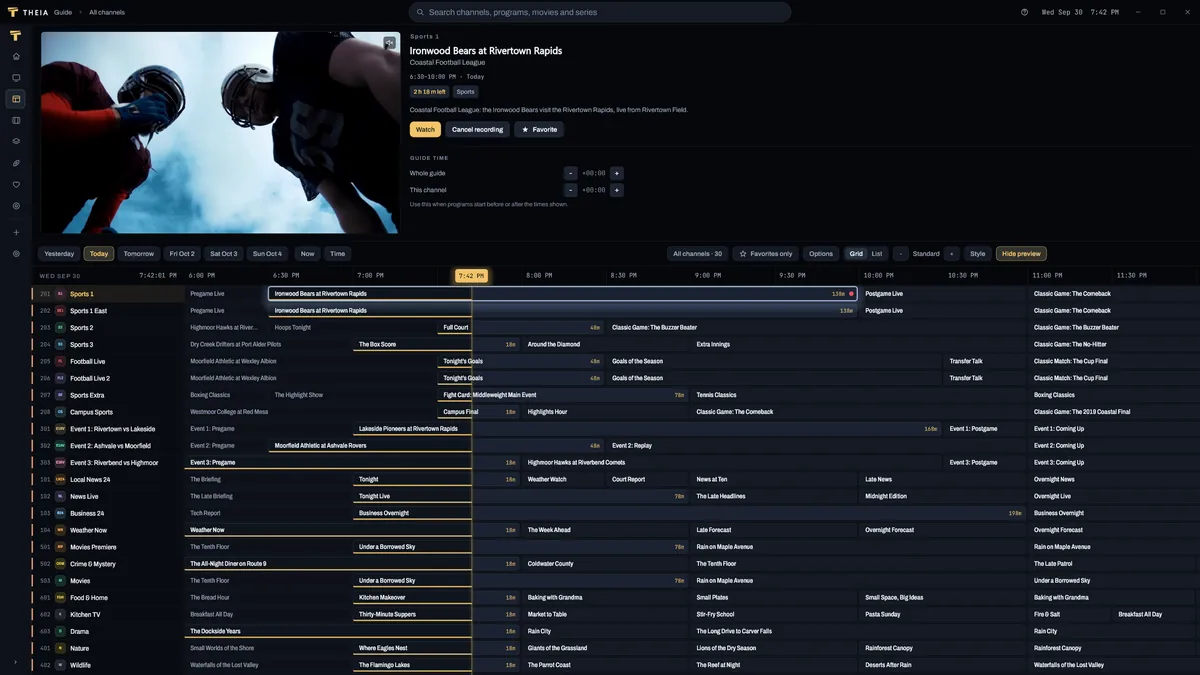
Preview from the guide
Pick a program and it plays above the grid with the sound off. When it’s the one, go full screen without the stream starting over.
Guide help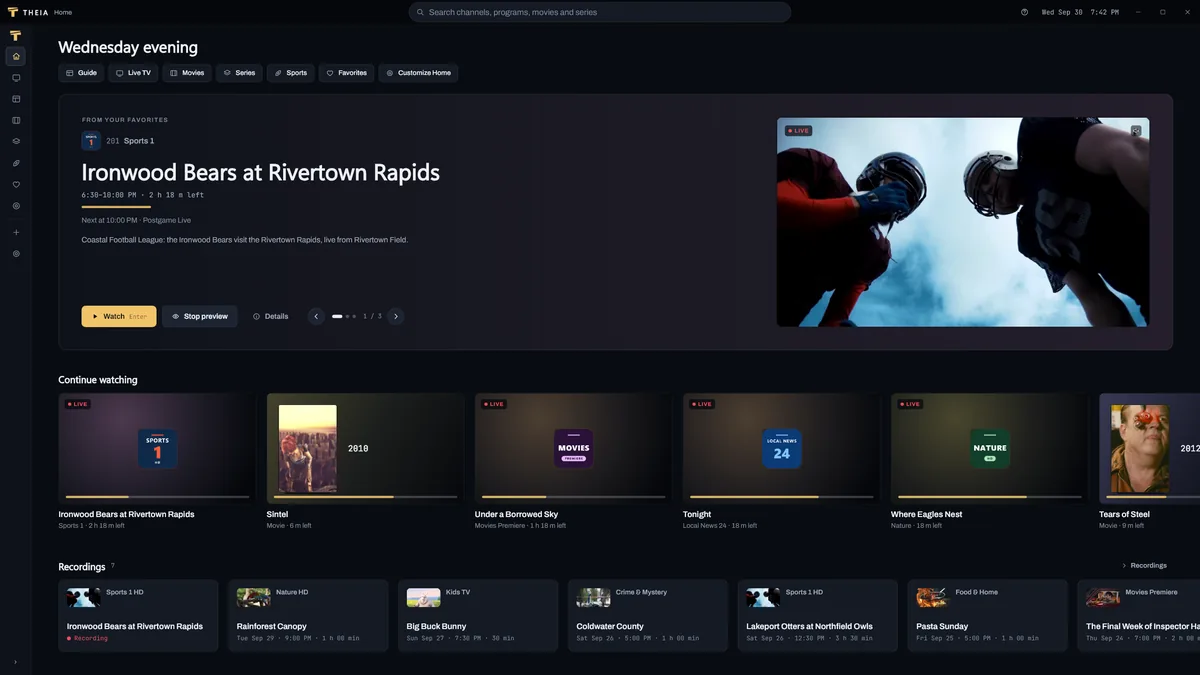
Favorites
Star the channels you love. Home leads with what’s on them now, and one click trims the guide to just those.
Favorites help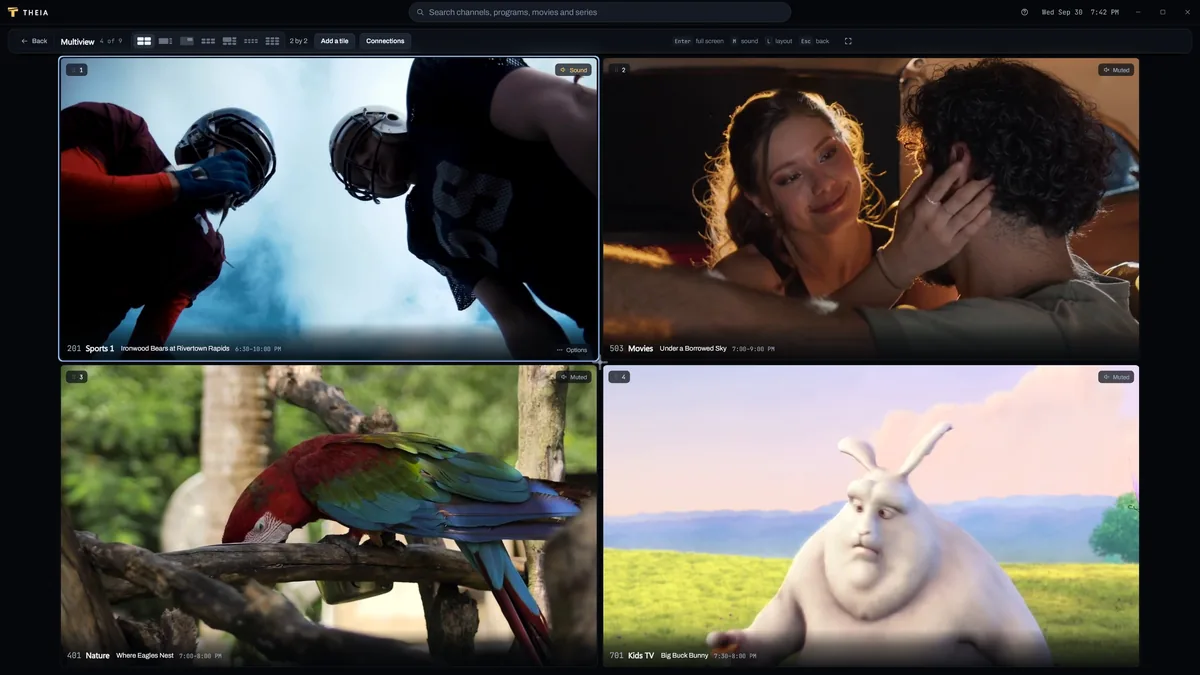
Multiview and recordingPremium
Up to 9 channels on one screen, and recordings of whatever you can’t watch live. Multiview has a free taste every day.
Multiview help
Watching, the guide, search and favorites are free, with up to 2 sources. Premium is $1.99 a month, $19.99 a year or $34.99 once and adds multiview, recording, unlimited sources and more. See pricing
If something’s off
- The check didn’t work
- Make sure you copied the whole link. The card under the box says what went wrong and what to try next. If the check fails
- A channel won’t play or keeps buffering
- Most of the time one quick change fixes it. The playback guide goes from the fast fixes to the deeper ones. Playback problems
- It works elsewhere but not on your network
- Some internet providers block streams. When Theia sees a block like that, it offers to set up a VPN with you. VPN setup
- Too many connections
- Your plan allows a set number of streams at once, and previews, multiview tiles and recordings each use one. Tell Theia your number and it warns you before going over. Streams allowed
Still stuck? Email support@theiaplayer.com with a report from Settings > Support > Report a problem. We usually reply within 2 or 3 days.
Linking to this page?
Anyone is welcome to link here, services and communities included. Please don’t use the Theia name or logo to sell TV service.
theiaplayer.com/setupTo open step 2 on one login type, add #m3u, #xtream or #antenna to the end.