 201
201
 302
302
 203
203
 102
102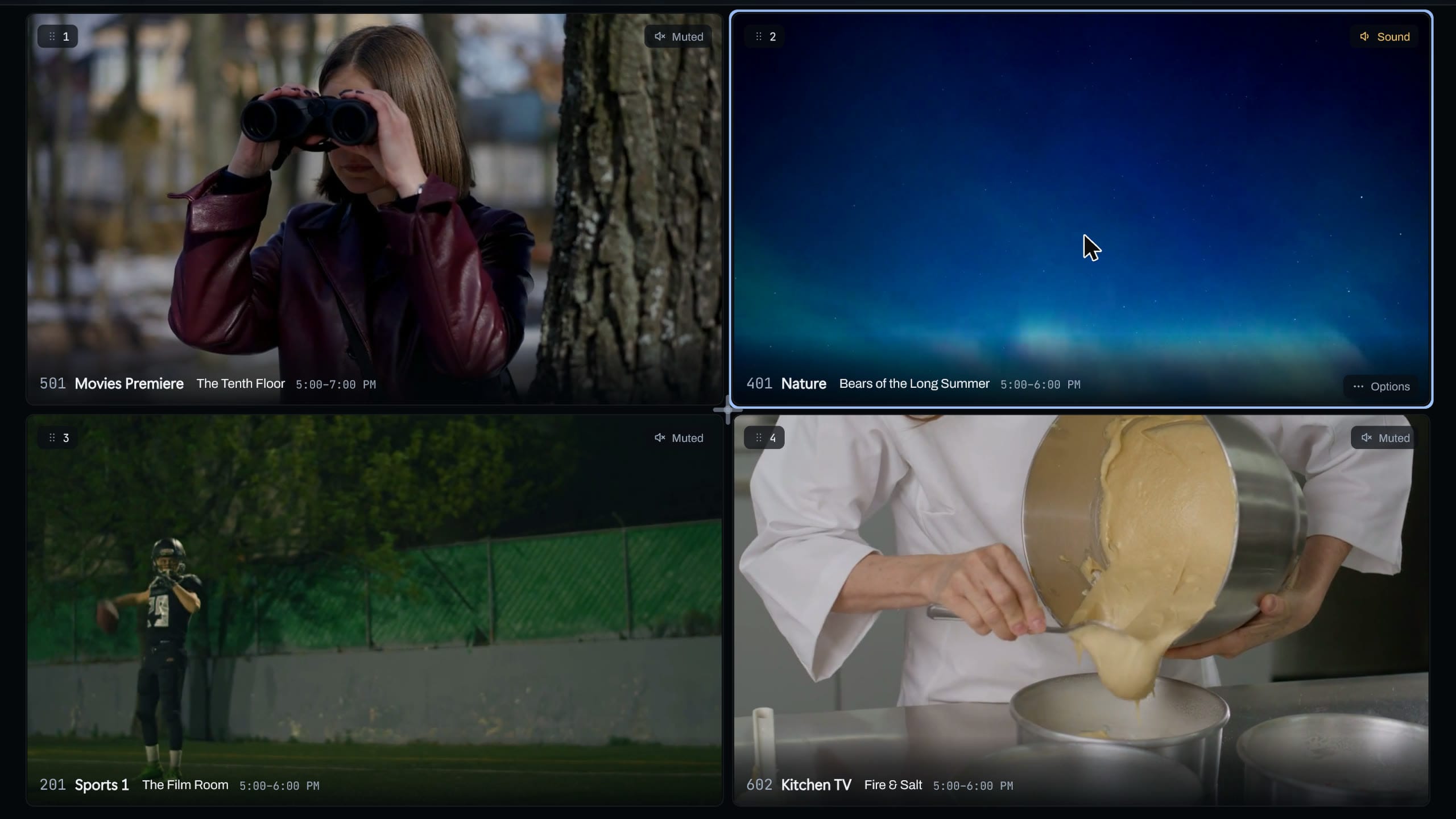
Drag it where you want it.
Drop a tile on another and they trade places. Drag one to an edge or a corner to make it the big one, or drag the line between tiles to resize them.
Theia offers the layouts that fit your tiles, from Side by side to 3 by 3, and remembers the one you built. On a TV, hold OK to pick a tile up and move it with the arrows.
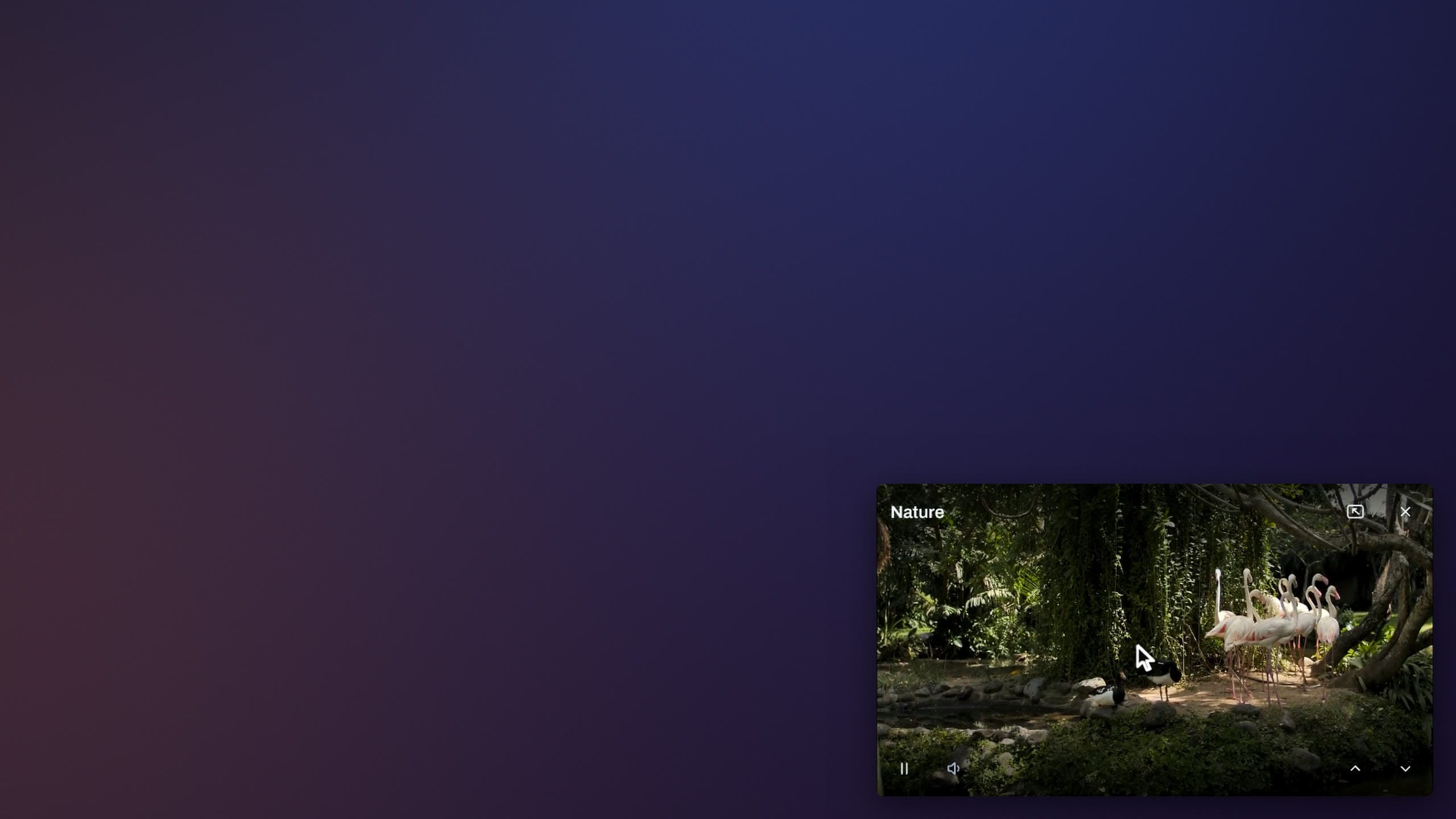
In Picture in picture, the small picture goes wherever it stays out of your way. Drag it, or on a TV hold OK on it and pick one of eight spots, then Small, Medium or Large. Left and Right on the remote swap the big picture with the small one.
Layouts
- Side by sideFree
- 2 by 2
- 3 by 2
- 4 by 2
- 3 by 3
- 1 big, 3 small
- 1 big, 5 small
- Picture in pictureFree
The free preview has Side by side and Picture in picture. Premium has them all.