The long read
Finding the game in a big playlist
The game is in your playlist somewhere, behind a renamed event channel and a name full of tags. Here's why, and what helps in any player.
Where Theia came from
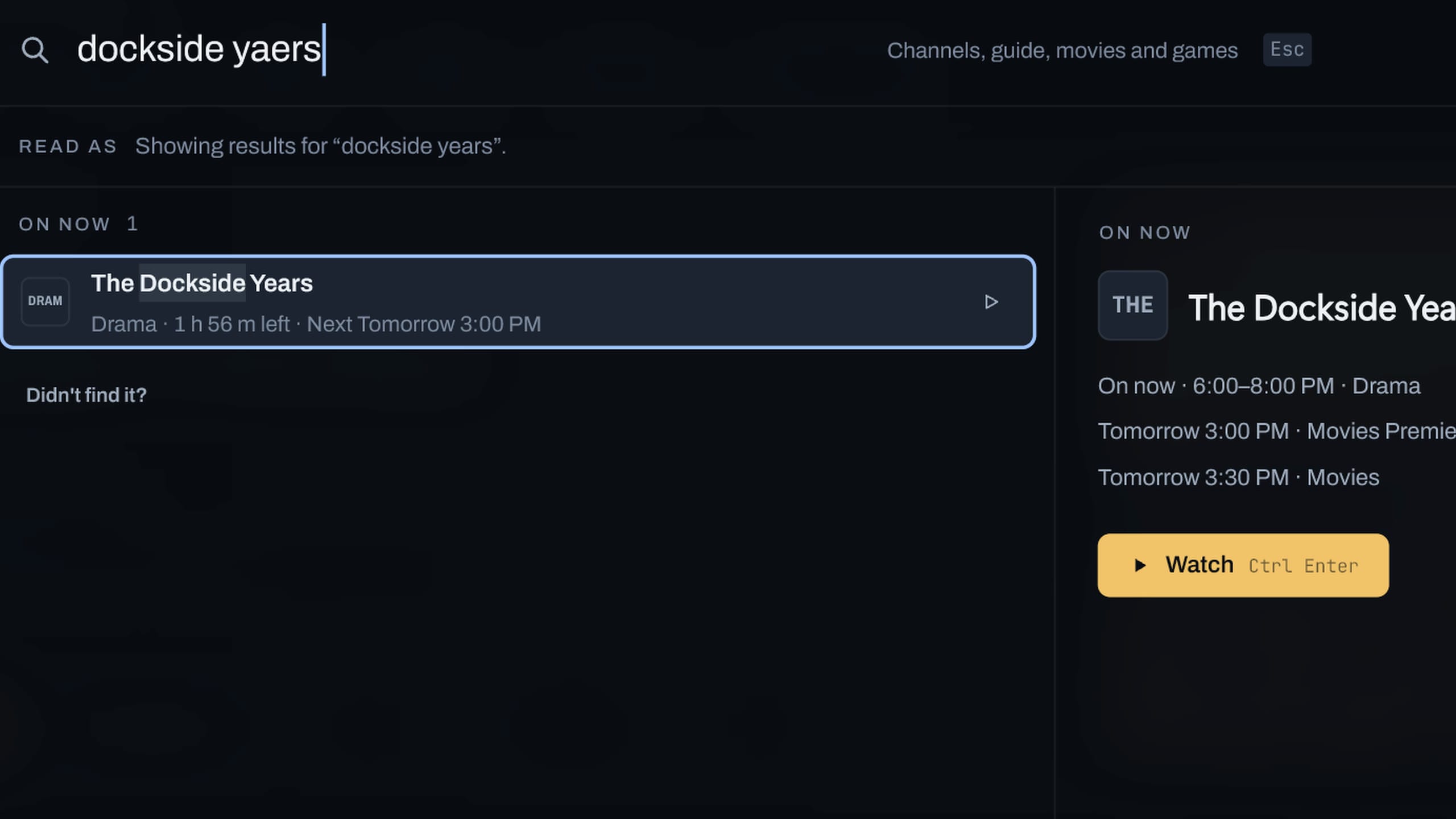
Theia started with a playlist of 9,737 channels and a game that took twenty minutes to find. Search in every player we tried was slow and mostly useless, and switching channels felt like a chore. We wanted a player as good as the streaming services people already pay for, fast and clean, with a search you can trust. Nobody was making one, so we built it.
The name comes from Theia, the Greek goddess of sight and of the bright, clear sky. It felt right for something you look at every night.
Why it’s hard
- Channel names are written for the provider. In “US| SPRTS XTRA FHD”, the tags on each end and the abbreviation in the middle get in the way of a plain search.
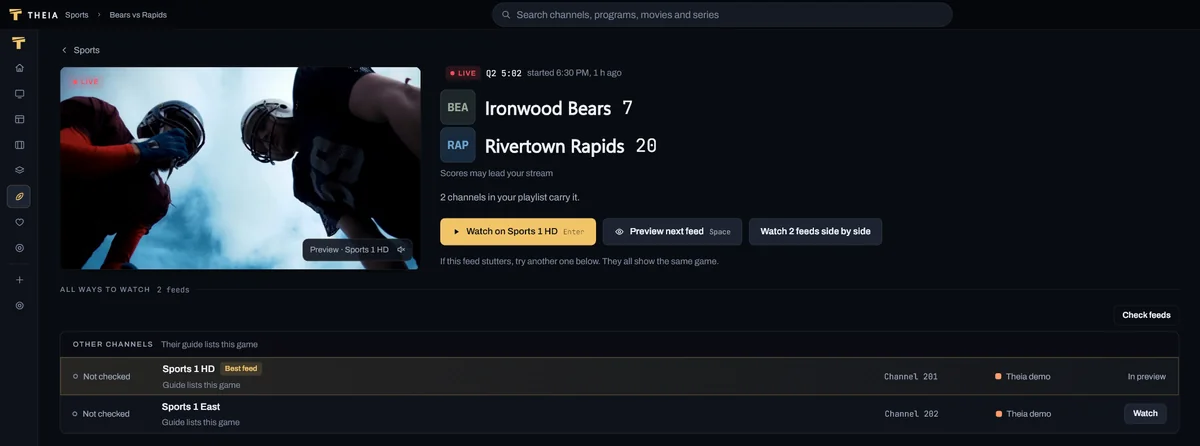
- Games move to event channels. Many providers put games on channels that are renamed every day with the teams and a start time, and those usually have no guide data.
- The same channel is listed several times, once for each quality.
- The guide has gaps. It covers some channels and skips others, and it may list the game under the league’s name.
What helps in any player
- Search the guide, if your player can. The game’s title is in the guide even when the channel name is a mess.
- Add your provider’s guide link (XMLTV). Without it a player only has channel names to go on.
- Look in the event or PPV group. Games that aren’t on a regular channel usually end up there, named by the teams.
- Check the time zone. Event channel names often carry the provider’s time zone, which may not be yours.